Mate AI
ServicesProcessCase StudiesPricingFAQBlog
← Back to blog

Vibe Coding Explained

Published November 5, 2026Updated November 4, 2026
Vibe Coding Explained

Have an idea worth shipping?

Book a free 30-minute call — no sales pitch, just a clear plan and a fixed-price quote for your product.

← Previous articleNo-Code vs Low-Code vs AI Code Generation: Which One Better?

Mate AI

Mate AI builds and scales digital products for startups and SMEs: MVPs, growth work, and long-term support.

Explore

  • Services
  • Process
  • Case Studies
  • Pricing
  • FAQ
  • Blog

Contact

  • james@mateai.dev
  • Book a free call
  • Share your idea via form

© 2026 Mate AI. All rights reserved.

If you've spent any time around developers lately, you've probably heard someone say they were "vibe coding" a weekend project. It sounds vague, maybe even like a joke, but it's a real shift in how software gets built. This post breaks it down with the classic 5W1H framework, starting with the obvious question.

What Is Vibe Coding?

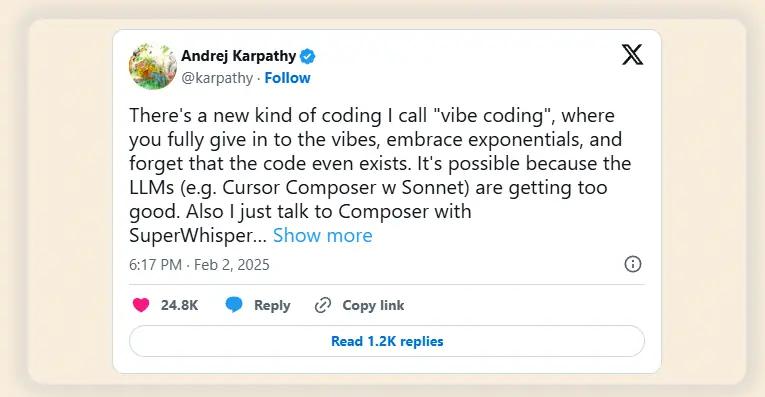
Andrej Karpathy quote card from his February 2025 tweet coining the term vibe coding

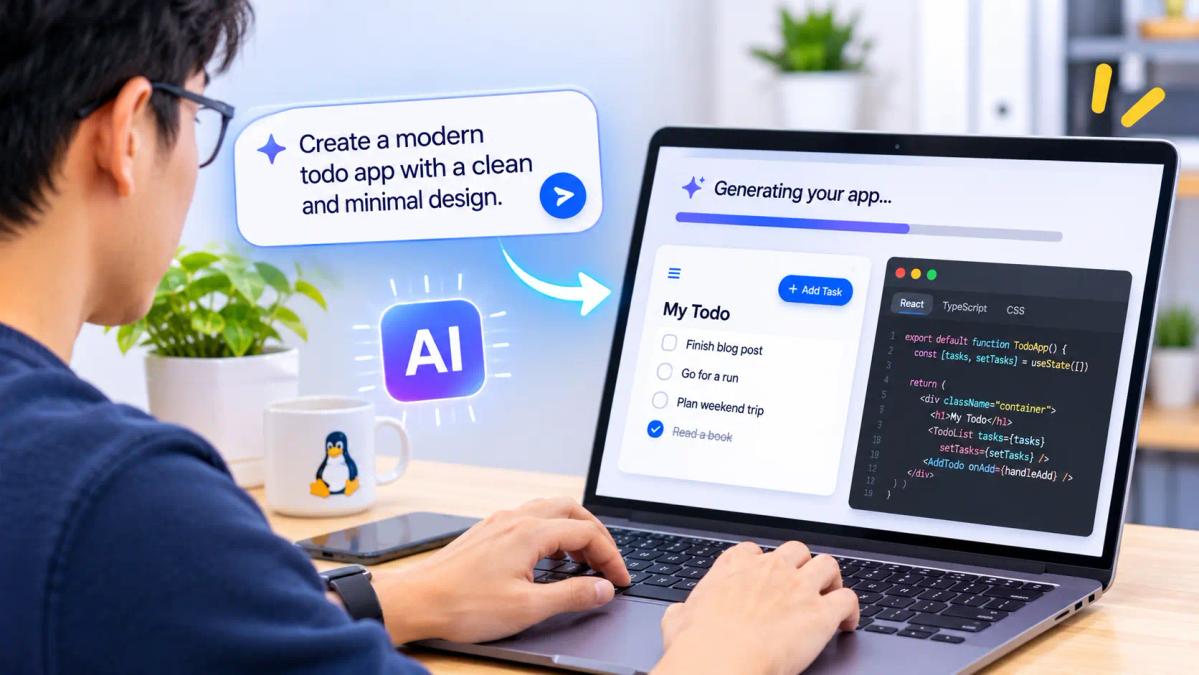
Vibe coding is building software by describing what you want in plain language and letting an AI model write most of the actual code. Instead of typing out functions and debugging line by line, you tell the AI your intent, review what it generates, and keep iterating until the app behaves the way you imagined.

Andrej Karpathy, a former Tesla AI director, coined the term in a February 2025 tweet. He described it as coding where you "fully give in to the vibes, embrace exponentials, and forget that the code even exists." His point: you get so deep into the flow of prompting and accepting AI output that the code itself almost becomes an implementation detail.

One distinction matters. Vibe coding isn't the same as using an AI assistant like GitHub Copilot to autocomplete code you understand. In true vibe coding, you often don't read the code carefully at all. You judge the result by whether the app works, not by how it's written. Karpathy admitted he'd just say things like "decrease the padding on the sidebar by half" because "I don't care." It's mostly throwaway, weekend-project stuff.

Keep that caveat in mind; the "Why" section comes back to it.
Who Is It For?

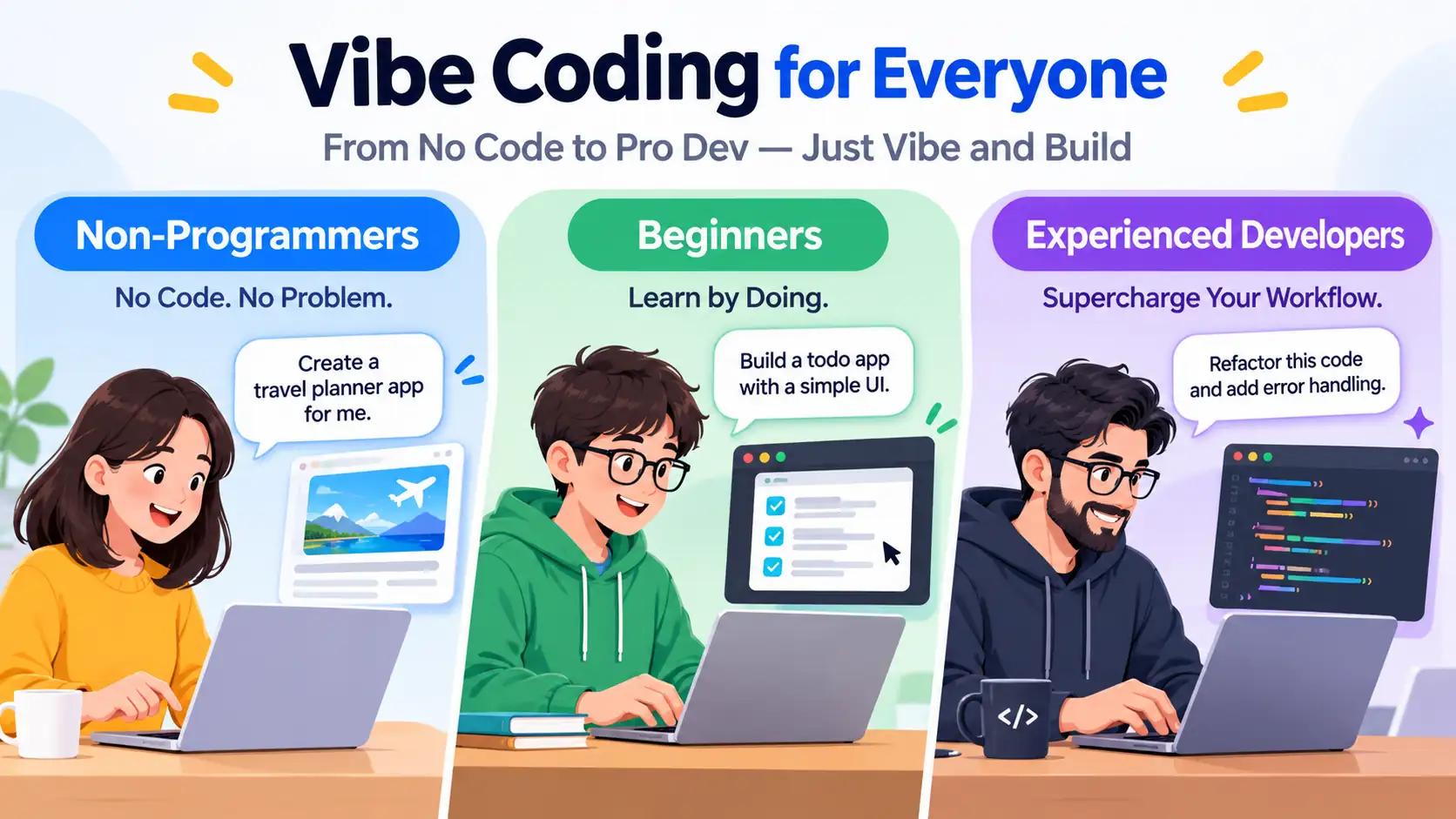
Illustration of three groups using vibe coding: non-programmers, beginners, and experienced developers

Honestly? Almost everyone, at different depths:

  • Non-programmers: designers, product managers, marketers, founders. This group arguably benefits most. If you can describe a landing page or a simple internal tool, you can build one without writing a line of code.
  • Beginners learning to code: used carefully (more on that later), it's a fast way to see ideas come alive without getting stuck on syntax.
  • Experienced developers: mostly for prototypes, scripts, boilerplate, and throwaway tools. Many senior engineers vibe code side projects on weekends but wouldn't ship a production system this way.

When Should You Use It?

Vibe coding shines in specific moments:

  • Prototypes and proofs of concept. Test whether an idea is worth building before you commit weeks to it.
  • Personal tools and one-off scripts. A CSV parser, a small dashboard, a scraper for your own use: perfect fits.
  • Hackathons and weekend projects. Speed is the whole game.
  • Landing pages and simple websites. Tools like Lovable and v0 were practically built for this.

When should you not vibe code? Anything handling payments, personal data, authentication, or anything that must stay secure and maintainable for years. A hospital scheduling system is not a vibe.
Where Does the Vibe Coding Happen?

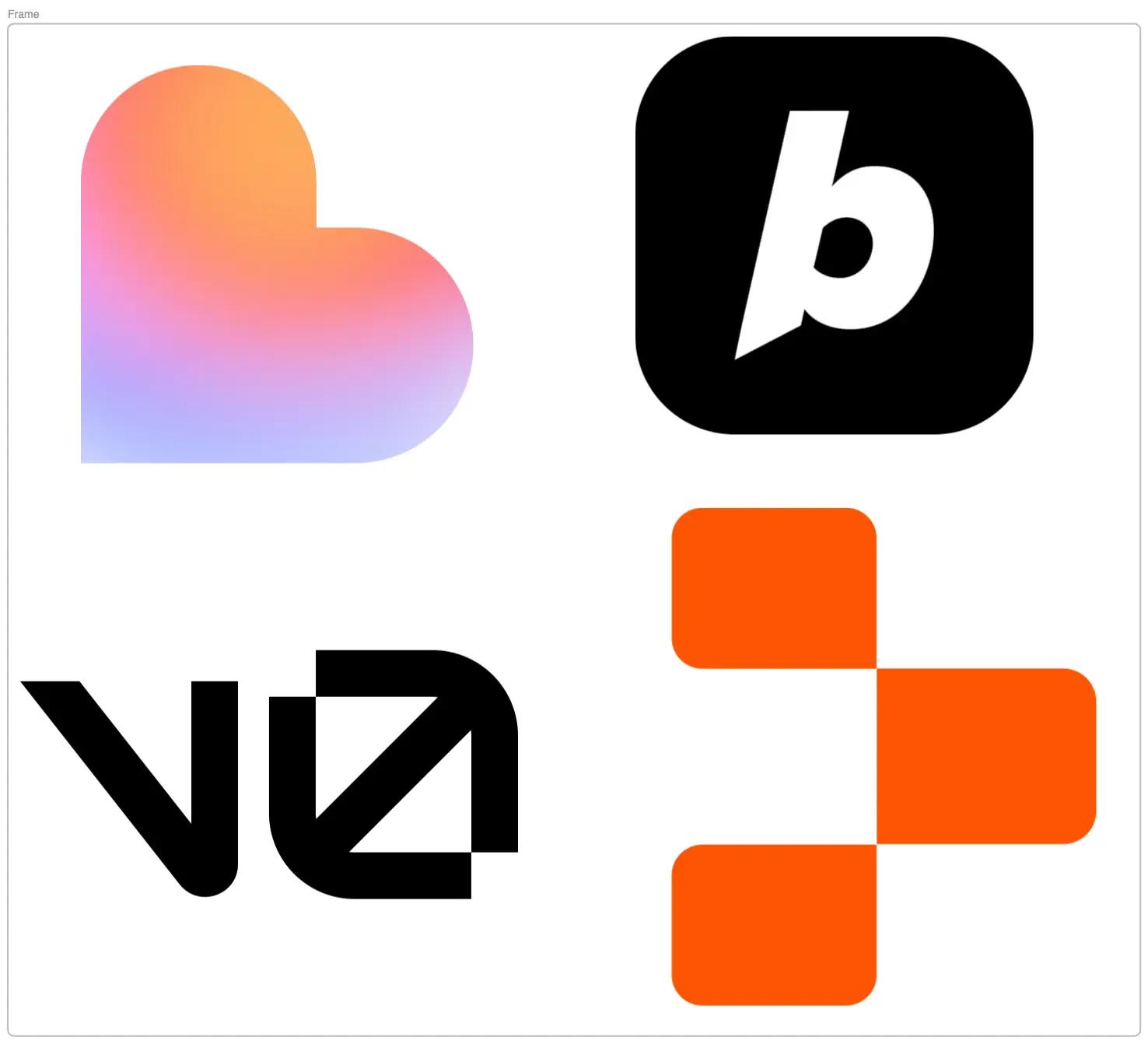
Grid of vibe coding tools showing Lovable, Bolt.new, v0, Replit, Cursor, Windsurf, Claude Code, and OpenAI Codex

Three categories of tools dominate right now:

  • Browser-based app builders: Lovable, Bolt.new, v0 by Vercel, Replit. You describe the app, it generates a working project you can deploy quickly. Great for non-coders.
  • AI-native code editors: Cursor and Windsurf. These look like VS Code but have AI deeply integrated, so you can prompt changes directly into your codebase. Better for developers who want more control.
  • Terminal agents: Claude Code, OpenAI Codex. The AI works directly in your terminal, reading files and making edits across your whole project.

A practical tip: many people use two tools. Build a rough prototype fast in Lovable, then move the code into Cursor when it's time to make it production-quality.

Why Has Vibe Coding Taken Off?

Three reasons:

  1. Models got genuinely good at code. Around late 2024, AI code generation crossed a threshold: output that used to be merely plausible now often worked.
  2. The bottleneck moved. For most small projects, the hard part was never typing code; it was knowing what to build. Express the idea clearly, and the machine handles the syntax.
  3. The economics are obvious. Something that took a developer a day now takes an afternoon, or an hour. For solo founders and small teams, that changes what's even worth attempting.

There's a reason for caution, too. Security researchers and engineers have flagged real risks: AI-generated code can contain vulnerabilities, and if nobody on the team actually reads it, nobody catches them. Unreviewed vibe coding is fine for a toy and dangerous for anything real. The mature approach is vibe coding plus human review for anything that touches users or data.

How Do You Actually Do It?

Here's a workflow that works, whether you're a beginner or an experienced dev:
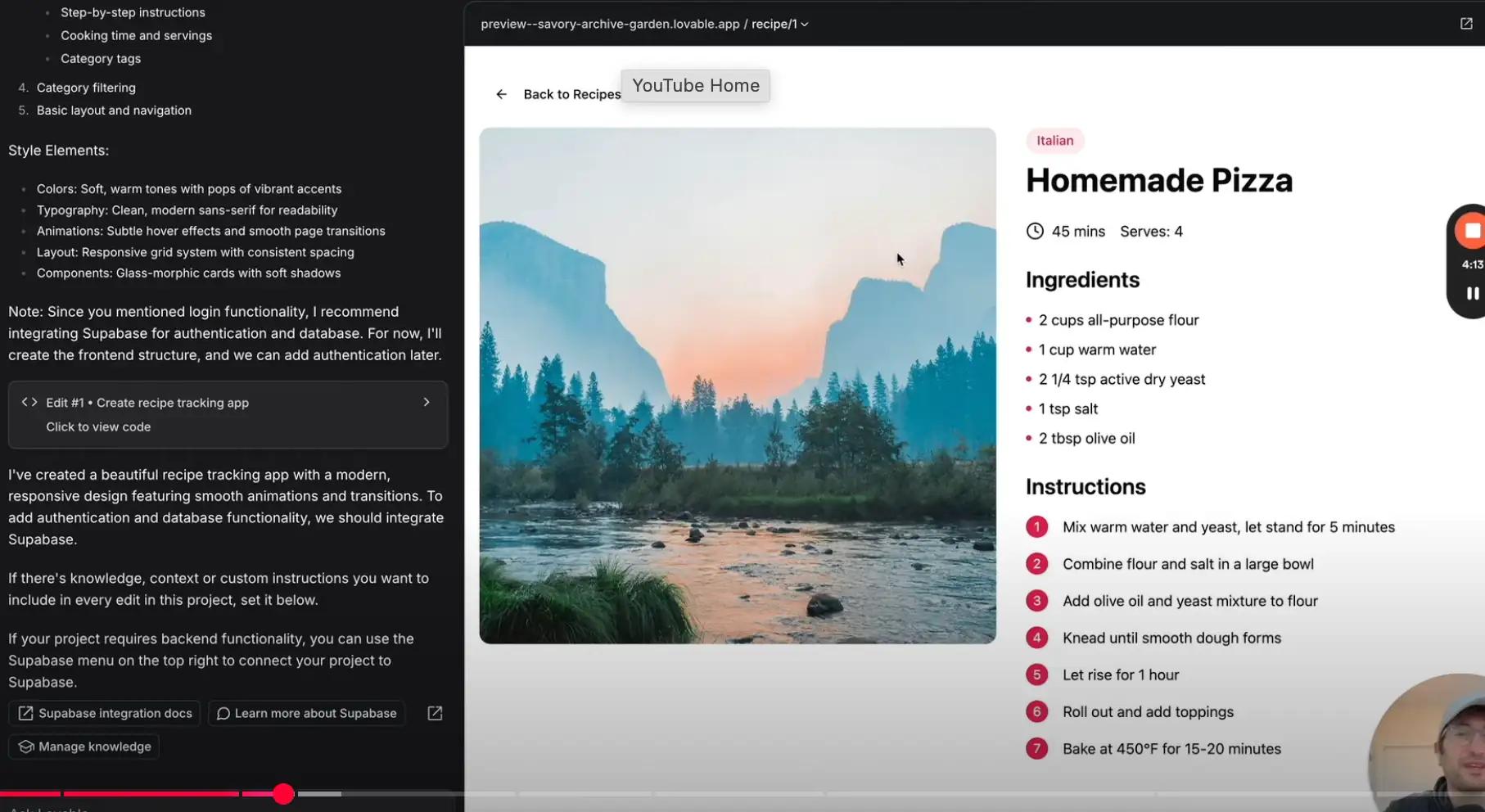
  1. Start with a clear, small description. Don't say "build me an app." Say "build a single-page to-do app with React, with tasks saved to local storage, a dark mode toggle, and drag-to-reorder." Specificity is the difference between magic and frustration.
  2. Build in small increments. Get one feature working, check it, then ask for the next. Large "do everything at once" prompts tend to produce sprawling code that breaks in confusing ways.
  3. Iterate conversationally. When something's off, describe the problem like you'd explain it to a junior colleague: "The button doesn't respond on mobile, probably a touch event issue." The AI is surprisingly good at fixing its own work when you describe symptoms well.
  4. Keep version control. Commit working states with Git (or use the checkpoints that tools like Lovable provide). When the AI sends you down a dead end (and it will), you can roll back instead of untangling a mess.
  5. Review anything that matters. If the app handles money, data, or users, have someone who knows security look at it. This one habit separates fun experiments from disasters.
  6. Learn from the output. If you're a beginner, don't just accept the code. Read it, and ask the AI why it made those choices. Vibe coding as a learning tool beats vibe coding as a crutch.

The Bottom Line

Spectrum graphic from unreviewed AI-generated prototype code to fully reviewed production code

Vibe coding is real, it's useful, and it's here to stay, but it's a spectrum, not a binary. On one end: "I asked AI to make a birthday countdown page and never looked at the code." On the other: "I used AI to write 80% of the boilerplate, then reviewed and hardened everything myself." Most successful projects land in the middle.

So pick your spot deliberately. Vibe code your prototypes freely, and treat anything headed for production like code a human wrote, because eventually someone has to live with it. Got an idea you've been sitting on? Describe it to one of these tools this weekend, small and specific, and see how far one prompt gets you.